x444 coin Login — Get Back to Your Account
Enter your registered mobile number and password to sign in. Your balance, bets and bonuses are waiting.
Once you are logged in, withdrawals via bKash or Nagad are processed in about 14 minutes on average. Minimum withdrawal is ৳1,200.
Every login session is encrypted. Your account credentials and payment details are never stored in plain text.
Log in faster with the x444 coin Android app (v2.8.9, 41 MB). Download the APK here — works on Android 7.0 and above.
Registration takes under two minutes. Sign up now and claim your first deposit bonus — up to ৳10,500 on your first top-up.
Two Ways to Sign In to x444 coin
Whether you are on a desktop browser or the Android app, the process is straightforward. Follow the steps below that match how you are playing.
Open your browser and visit the official site. Do not use third-party links — bookmark the address now to avoid phishing pages.
The Log In button is in the top-right corner of the navigation bar. On mobile, the button is in the hamburger menu.
Use the Bangladesh mobile number you registered with (e.g. 01XXXXXXXXX). Passwords are case-sensitive — check Caps Lock.
After a successful login you are taken straight to your dashboard. Your balance and active bonuses show immediately.
Get the official APK from our APK page. Enable "Install from unknown sources" in your Android settings if prompted. Requires Android 7.0+.
Launch the x444 coin app. The login screen appears first. Tap the "Login" tab if the register tab is showing instead.
Your phone's keyboard auto-switches to numeric for the mobile number field. Use autocomplete or a password manager for speed.
After signing in the first time, the app offers fingerprint unlock for future sessions. This is the fastest way to get back in.
Which Login Method Suits You Best?
x444 coin supports three distinct ways to access your account. Here is a plain comparison so you can pick what works for your situation.
Mobile Number Login
- Speed
- Under 10 seconds
- Best for
- Most players — it is the default method
- Note
- Use the number you registered. Add country code if abroad.
- Recovery
- SMS OTP sent to the same number
Username Login
- Speed
- Under 10 seconds
- Best for
- Players who prefer a custom name over a phone number
- Note
- Username is set during registration. Case-sensitive.
- Recovery
- Linked mobile number is used for OTP reset
App Biometric Login
- Speed
- Under 2 seconds
- Best for
- Frequent players on a personal device
- Note
- Only available in the Android app. Enable after first login.
- Recovery
- Falls back to password if fingerprint fails
Forgotten Your Password? Here Is How to Get Back In
The x444 coin password reset flow uses your registered mobile number. It takes about two minutes from start to finish.
The link sits just below the password field on both the web login form and the Android app. Tap it to open the reset screen.
Type the Bangladesh number linked to your x444 coin account. An SMS containing a 6-digit OTP is sent within about 60 seconds. The OTP is valid for 10 minutes — do not share it with anyone.
Enter the OTP, then type your new password twice to confirm. Choose something at least 8 characters long with a mix of letters and numbers. Once saved, use it to log in straight away.
Login Not Working? Find Your Fix Below
Six of the most common issues players run into when signing in — with the most likely reason and the fastest fix for each.
| Problem | Likely Cause | What to Do |
|---|---|---|
| Wrong password message | Password entered with incorrect case, or a copy-paste trailing space | Type the password manually. Check Caps Lock. Use "Show password" eye icon to confirm what you typed. |
| Account temporarily locked | Five or more failed login attempts within a short window triggers a temporary lock | Wait 15 minutes, then try again. Or use the "Forgot Password" flow to reset immediately. |
| OTP arrives very late or not at all | Mobile network congestion, low signal, or SMS filtered by operator | Move to an area with better signal. Check your SMS inbox AND spam folder. Tap "Resend OTP" after 2 minutes. Contact Live Chat if the issue persists. |
| Page says "session expired" | You were idle for too long, or logged in from two devices simultaneously | Simply log in again. Enable "Keep me signed in" on a trusted personal device to extend session length. |
| Site does not load at all | ISP blocking, unstable mobile data, or browser cache issue | Switch from mobile data to Wi-Fi (or vice versa). Clear browser cache. Try a different browser. Download the app as a reliable backup option. |
| App crashes after tapping Log In | Outdated APK version or corrupted installation | Uninstall the app, re-download the latest APK (v2.8.9) from our APK page, and reinstall. Ensure your Android version is 7.0 or higher. |
If none of the above solves the issue, our 24/7 Live Chat team can look up your account manually. Have your registered mobile number ready when you contact them.
Five Habits That Keep Your x444 coin Account Safe
Winning is only half the equation. Making sure no one else can access your account is just as important. These five practices take almost no effort and make a real difference.
-
Use a Strong, Unique Password
At least 8 characters mixing uppercase, lowercase, digits and symbols (e.g.
Cricket#88!). Do not reuse a password you have set anywhere else — if that site is breached, attackers will try it on betting accounts immediately. A free password manager like Bitwarden makes this easy to maintain. -
Only Log In on Your Own Device
Shared phones at tea stalls or cybercafes can have keyloggers or leave sessions open in the browser. If you must use a shared device, log out manually when you are done and do not tick "Keep me signed in."
-
Watch Out for Fake Login Links
Phishing sites copy the x444 coin design exactly but have slightly different domain names (such as x444coin-bd.net or x444-coin.net). Always type the URL directly — x444coin.net — or use your bookmark. Never follow a login link sent by a stranger on Telegram or Facebook.
-
Log Out When You Are Done
Tap the account menu and choose "Log Out" after every session, especially on mobile browsers where multiple tabs can keep sessions alive. The app's fingerprint unlock makes it fast to get back in next time, so there is no reason to stay perpetually logged in.
-
Keep Your Registered Number Active
Your mobile number is both your login ID and your password recovery method. If you change your SIM, update your number in account settings immediately — before the old SIM is deactivated. A disconnected number means you cannot receive OTPs and could be locked out permanently without identity verification through Live Chat.
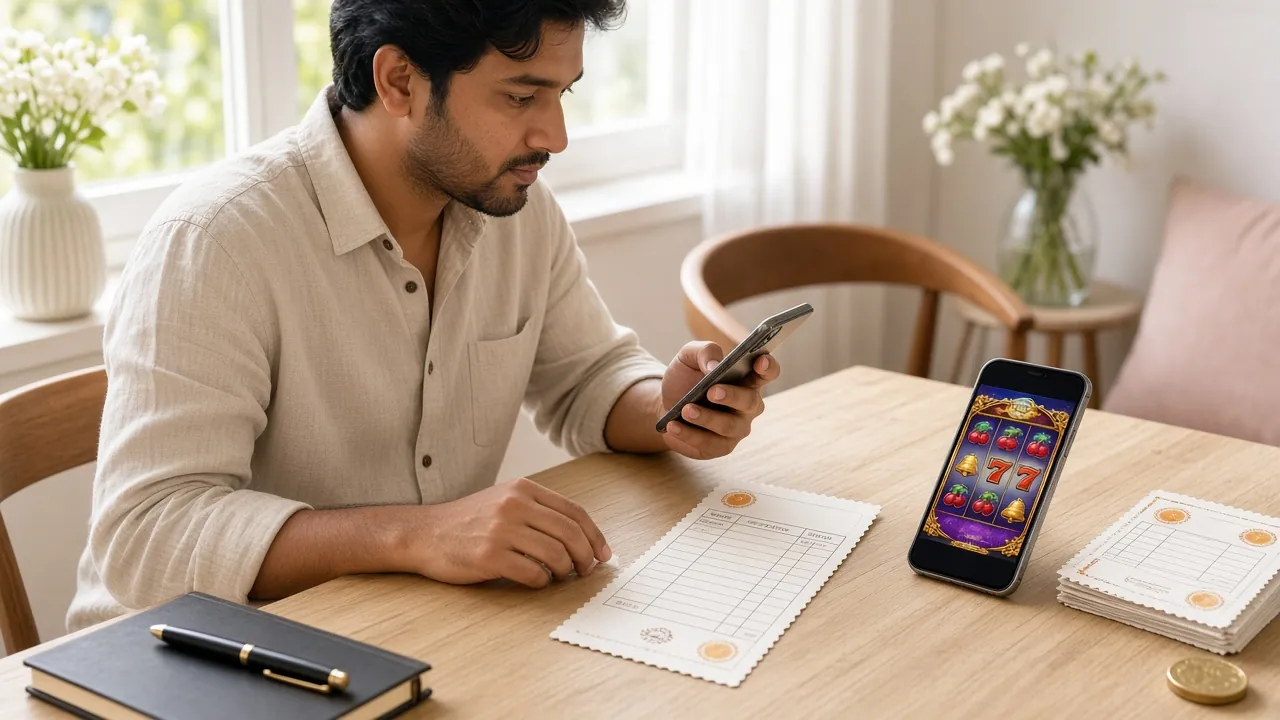
Log Back In to x444 coin in Three Steps
-
Open the Login Page
Go to x444coin.net on your browser or launch the Android app (v2.8.9). Tap the Log In button in the top navigation bar — it is always visible on desktop, and inside the menu on mobile.
-
Enter Your Mobile Number and Password
Type the Bangladesh mobile number you registered with and your account password. Double-check the number format (01XXX-XXXXXX). Tap Keep me signed in if you are on a trusted personal device.
-
Access Your Account and Play
Once signed in, your balance, active bonuses and bet history load immediately. From here you can deposit via bKash or Nagad, place bets, or request a withdrawal — processed in about 14 minutes on average.
Common Questions Before You Log In
Still not sure about something? These are the questions our support team gets most often about x444 coin login and account access.
What do I use to log in — my mobile number or a username?
By default, you log in with the Bangladesh mobile number you used when registering. If you chose a custom username during signup, that also works on the login screen. Either way, your password remains the same. If you are unsure which you set, try the mobile number first — that is what most players use.
My x444 coin login keeps failing even though the password is correct. What is happening?
The most common reason is an invisible trailing space — this happens when you paste a password from a message. Type it manually instead. Also check whether Caps Lock is on; passwords are case-sensitive. If you have failed five times in a row, the account locks for 15 minutes automatically. Use the "Forgot Password" link to reset and avoid the wait.
How do I log in on the x444 coin app after downloading the APK?
Open the app after installation (Android 7.0 minimum). The login tab appears by default. Enter your registered mobile number and password, then tap "Log In." After this first successful login, the app will offer to enable fingerprint unlock for all future sessions. The APK is free and weighs 41 MB — download it from our APK page.
Can I stay logged in between sessions, or does the site log me out automatically?
Tick "Keep me signed in on this device" before you tap Log In and your session will persist across browser closes. This is safe on a personal phone or laptop that only you use. On a shared device, leave this unticked and always log out manually when finished. The app handles this differently — it keeps you in unless you explicitly log out or the session token expires after a long period of inactivity.
I never registered but someone else logged into an account using my number. What should I do?
Contact 24/7 Live Chat straight away. Our team can check whether an account exists under your number, verify ownership and either close the account or transfer control to you. Do not attempt to reset the password yourself in this scenario — contact support first so there is a proper record. Never share any OTP codes you receive with third parties.
Does x444 coin have two-factor authentication (2FA) for extra security?
Currently, the main second factor is the SMS OTP used during password resets and certain high-value withdrawal verifications. Mobile OTP is mandatory before your first withdrawal is processed. The Android app also supports fingerprint login as a local second check. For the strongest protection, pair a unique strong password with an active SIM that only you control. Live Chat can advise on additional security steps for your account.
Ready to get back in?
Your balance and active bonuses are still there. Log in now — or register a new account if you are joining for the first time. Deposits start at ৳300 via bKash, Nagad or Rocket.
18+ · Play Responsibly · Minimum deposit ৳300